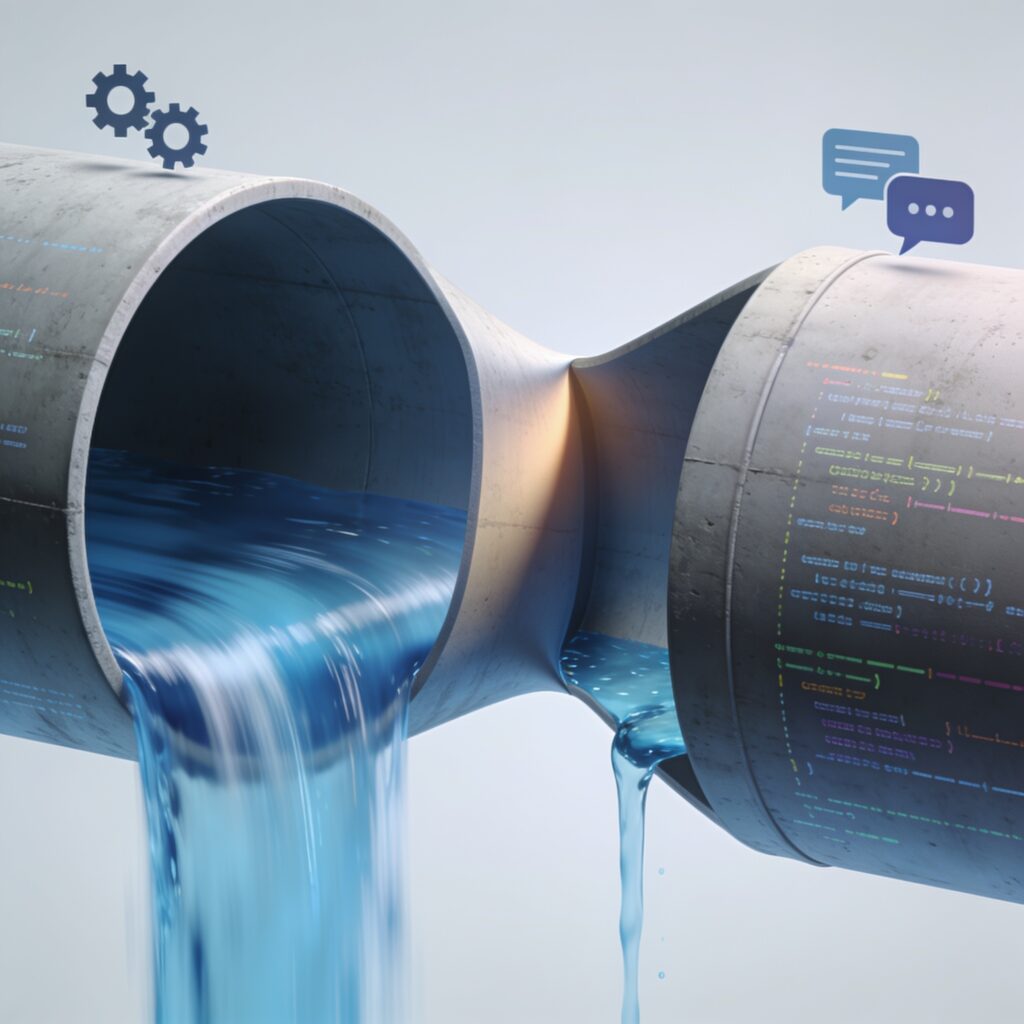
A bottleneck detection tool—or manual detection method—serves a critical purpose: it reveals where work slows down, resources pile up, or processes stall. Whether you manage a factory floor, software development pipeline, or customer service operation, identifying these constraints is the first step toward meaningful improvement. This guide explores what bottlenecks look like, how to spot them before investing in automation, and which detection strategies work best in different contexts.
Understanding Bottlenecks: Definition and Context
A bottleneck is any point in a workflow or system where the flow of work, data, or resources becomes constrained—causing delays, queuing, or reduced throughput downstream. Think of water flowing through a pipe: if one section narrows, it limits how much liquid can pass through the entire system, regardless of how wide the rest of the pipe is.
Bottlenecks appear across different domains and take multiple forms. A manufacturing line might experience a resource bottleneck when one machine cannot keep pace with upstream production. A software build pipeline might face a data bottleneck if logs and artifacts consume so much storage that builds slow down. A customer service team might hit a communication bottleneck when information doesn’t flow quickly between departments. Each context demands slightly different detection methods, but the underlying principle remains the same: find where work accumulates or stalls.
Warning Signs: What to Look For
Before pulling out tools or dashboards, learn to recognize the symptoms of bottlenecks. These visible signals often appear before formal metrics confirm the problem.
Queue buildup is the most obvious sign. If work waits in a queue—emails unanswered, tasks pending review, or items staged before processing—a bottleneck likely exists downstream. The longer the queue and the longer items sit, the more severe the constraint.
Inconsistent output timing also points to bottlenecks. If deliverables that normally take two days suddenly take five, or if delivery times vary wildly, a constraint has appeared somewhere in the process. This is especially noticeable when upstream processes remain stable but downstream delivery falters.
Resource idle time creates another telltale sign. When workers or equipment sit unused while other parts of the process are overwhelmed, a bottleneck is starving downstream capacity. This imbalance is expensive and wasteful.
Stakeholder complaints often surface before data. Team members will report that they’re waiting for input, blocked by a dependency, or unable to move forward. These complaints are valuable early-warning signals that should prompt investigation.
Manual Detection Methods
You do not need sophisticated software to find bottlenecks. Many organizations discover their constraints through simple, deliberate observation and measurement.
Process Observation and Mapping
Walk through your workflow step by step. Note where items spend the most time, where queues form, and where handoffs occur. Draw a process map—even a rough sketch—and annotate it with estimated time spent at each stage. This visual exercise often reveals where work bunches up and where progress stalls.
Metrics Review and Logging
Collect basic data on cycle time, queue length, and wait time at each process stage. If you process 100 customer orders per day but only 60 are completed, where do the remaining 40 sit? How long do they wait? Simple spreadsheets or logs can answer these questions. Focus on measuring how long items spend waiting versus being actively processed; the gap often points directly to bottlenecks.
Stakeholder Interviews
Ask team members where they experience delays, which approvals take longest, and which dependencies cause friction. Front-line staff often know exactly where work stalls. Their input is invaluable and costs nothing but time.
Throughput Analysis
Compare the output rate at different stages of your workflow. If stage A produces 100 units per hour but stage B can only process 70 per hour, stage B is a bottleneck. Identify which stage has the lowest throughput relative to its demand, and you have found your constraint.
Key Metrics for Bottleneck Detection
Once you begin looking, focus on these specific measures to confirm where bottlenecks exist.
- Queue length: How many items are waiting to be processed? A growing queue is a strong indicator of a downstream bottleneck.
- Wait time: How long does an item spend waiting versus being actively worked on? High wait-to-work ratios signal constraints.
- Resource utilization: Are your people and machines fully engaged, or are they idle? Low utilization upstream combined with high demand downstream often points to a bottleneck.
- Cycle time: How long does it take to move an item from start to finish? Compare this to historical baseline or best-case time; an increase indicates a newly emerged bottleneck.
- Throughput: How much output does each stage produce in a fixed time period? The stage with the lowest throughput relative to demand is likely your constraint.
- Lead time: How long between request and delivery? A rising lead time with stable demand suggests a process bottleneck.
Distinguishing Symptoms from Root Causes
Identifying a bottleneck is not the same as identifying why it exists. A long queue is a symptom; the root cause might be understaffing, a slow database query, broken equipment, unclear requirements, or competing priorities. Confusing the two is a common mistake that leads to wasted effort.
When you observe a bottleneck, dig deeper. Ask why the queue exists. Is the resource truly insufficient, or is it being misallocated? Is the process poorly designed, or is external input late? Is there a technical constraint, or is there a communication breakdown? Root-cause analysis requires investigation beyond what any single metric reveals. Bottleneck detection identifies where to investigate; diagnosis uncovers why.
Tool-Assisted Detection Approaches
Once manual methods point you toward constraints, tools can accelerate and scale detection across complex systems.
Monitoring and Alerting
A bottleneck detection tool with monitoring capabilities tracks metrics in real time and alerts you when they exceed thresholds. If queue length jumps above normal or resource utilization drops below expected levels, alerts notify teams immediately, enabling faster response.
Profiling and Performance Analysis
In software systems, profiling tools measure how long code spends in different functions, where CPU cycles go, and which operations consume the most resources. This data pinpoints the software equivalent of bottlenecks—slow functions or inefficient queries that limit throughput.
Visualization and Dashboards
Visual tools transform raw metrics into patterns. A timeline showing queue length over time, a heat map highlighting slow process stages, or a flow diagram color-coded by wait time all make bottlenecks visible at a glance. Visualization tools help teams spot trends and anomalies that raw numbers might hide.
Log Analysis and Event Tracking
Tools that aggregate and analyze logs from multiple systems can reveal bottlenecks in distributed environments. By tracking when events occur and how long operations take, these tools build a picture of where delays accumulate across interconnected processes.
Context-Specific Bottleneck Types
Different types of bottlenecks require slightly different detection strategies.
Resource bottlenecks emerge when people, equipment, or computing power cannot meet demand. Detection focuses on utilization metrics and queue length. If a machine runs at 100% capacity while work waits in queue, that machine is your bottleneck.
Process flow bottlenecks occur when workflow design itself constrains throughput. Detection here involves analyzing cycle time and comparing actual process steps to ideal ones. Long approval chains or unnecessary handoffs are common culprits.
Data bottlenecks happen when data movement, storage, or access slows the system. Detection often requires profiling and log analysis to identify which data operations consume time or resources.
Communication bottlenecks emerge when information doesn’t flow quickly between teams or systems. Detection involves stakeholder interviews and logging how long information takes to travel between stages.
Multiple Bottlenecks and Prioritization
Real workflows rarely have just one bottleneck. You might find that stage A constrains throughput, but fixing stage A reveals that stage B was also a hidden constraint. This is normal and expected.
When multiple bottlenecks exist, prioritize based on impact. Which constraint affects the most output or causes the longest delays for customers? Which is cheapest or fastest to fix? Which dependencies should you address first to avoid creating new bottlenecks downstream? Tackling the most impactful constraint first yields the fastest improvement in overall system performance.
Detection as Foundation for Optimization
Bottleneck detection is not an end in itself—it is the starting point for continuous improvement. Once you identify where work stalls, you can investigate causes, test solutions, and measure results. Without detection, optimization efforts become guesswork. With it, every intervention targets the constraint most likely to improve overall performance.
Whether you use manual observation and spreadsheets or deploy a sophisticated monitoring platform, the goal is the same: see where your system slows down, understand why, and fix it. The methods scale from simple to complex, but the logic does not change. Start with observation and basic metrics. Add tools when they save time or reveal patterns that manual methods miss. Always remember that tools amplify detection; they do not replace the critical thinking needed to understand your process and act on what you discover.